Configuring My Terminal Workflow
Summary⌗
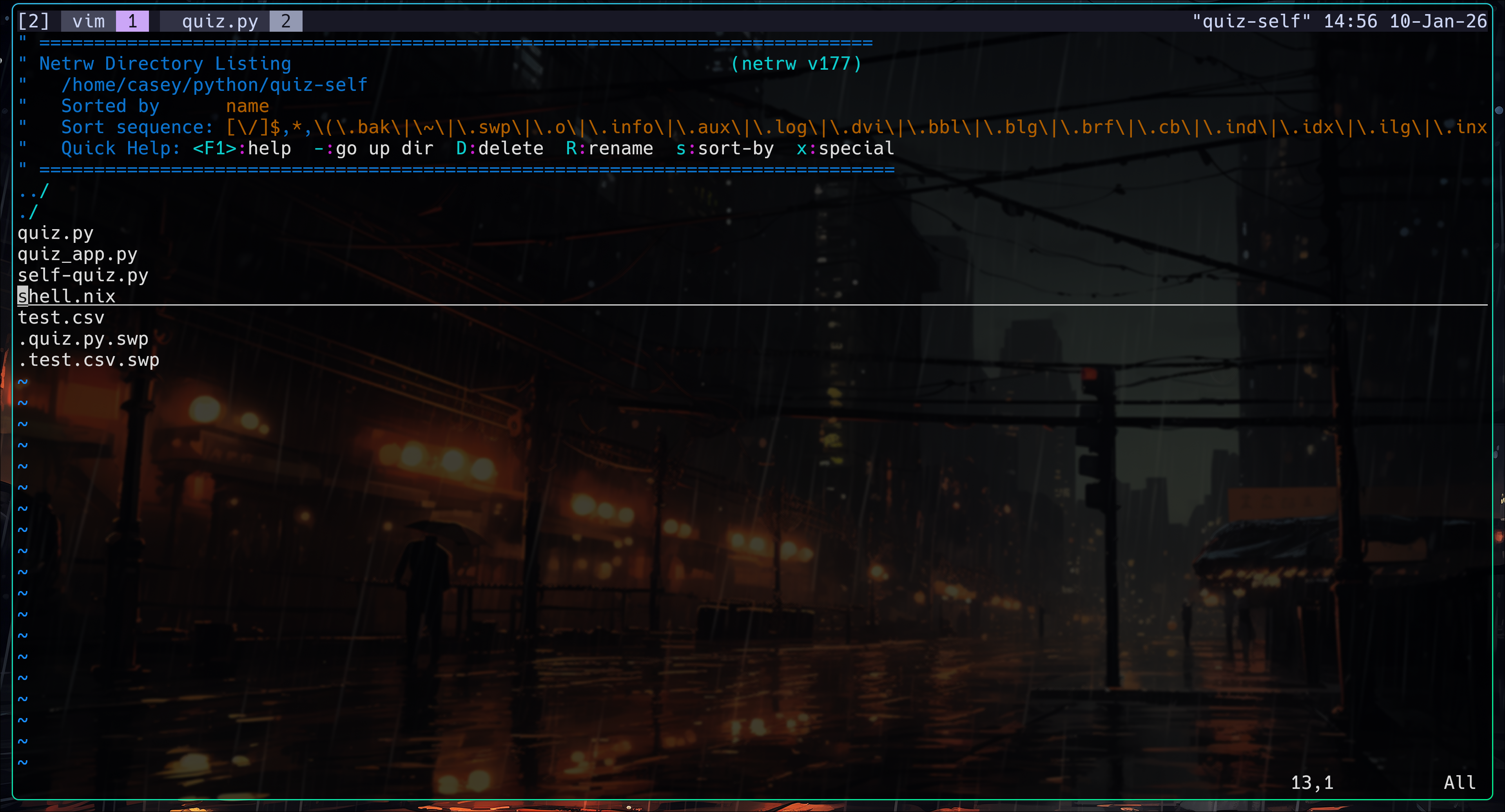
I was getting into trying tmux again. Previously, I tried it without any configuration and without a split keyboard. Now I have a tmux + vim workflow.
Since I am a system administrator, I can’t change the main keybindings of tmux. Even so, it works well for me with a split keyboard because I follow a lot of the Primeagen workflow ideas.
In the past, I would just open another terminal window. That worked, but it was not efficient because I wood take my hands of the keyboard to hover the mouse over the window. In this post, I’ll go through the applications I use and how my workflow fits together.
To note: I am not trying to be elitist or better than another person. This is just my workflow—one person’s ideas and preferences—so please don’t take it personally.
also i will upload my tmux config to my vim config as will.
Apps and Workflow⌗
Terminal⌗
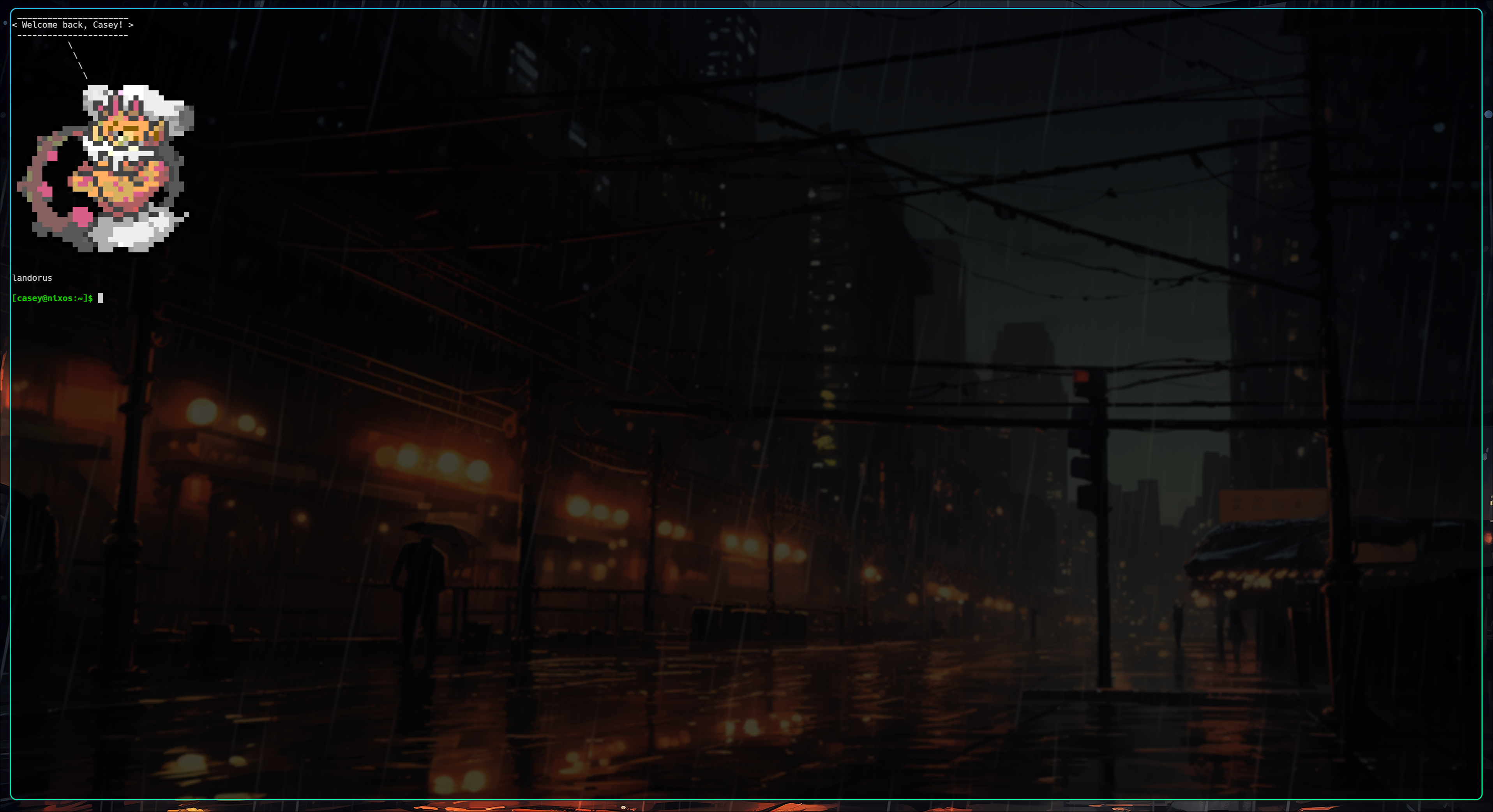
My terminal of choice is kitty, mainly because it’s what Hyprland defaults to. There isn’t much more to it than that—it works well and gets out of my way.
!
tmux⌗
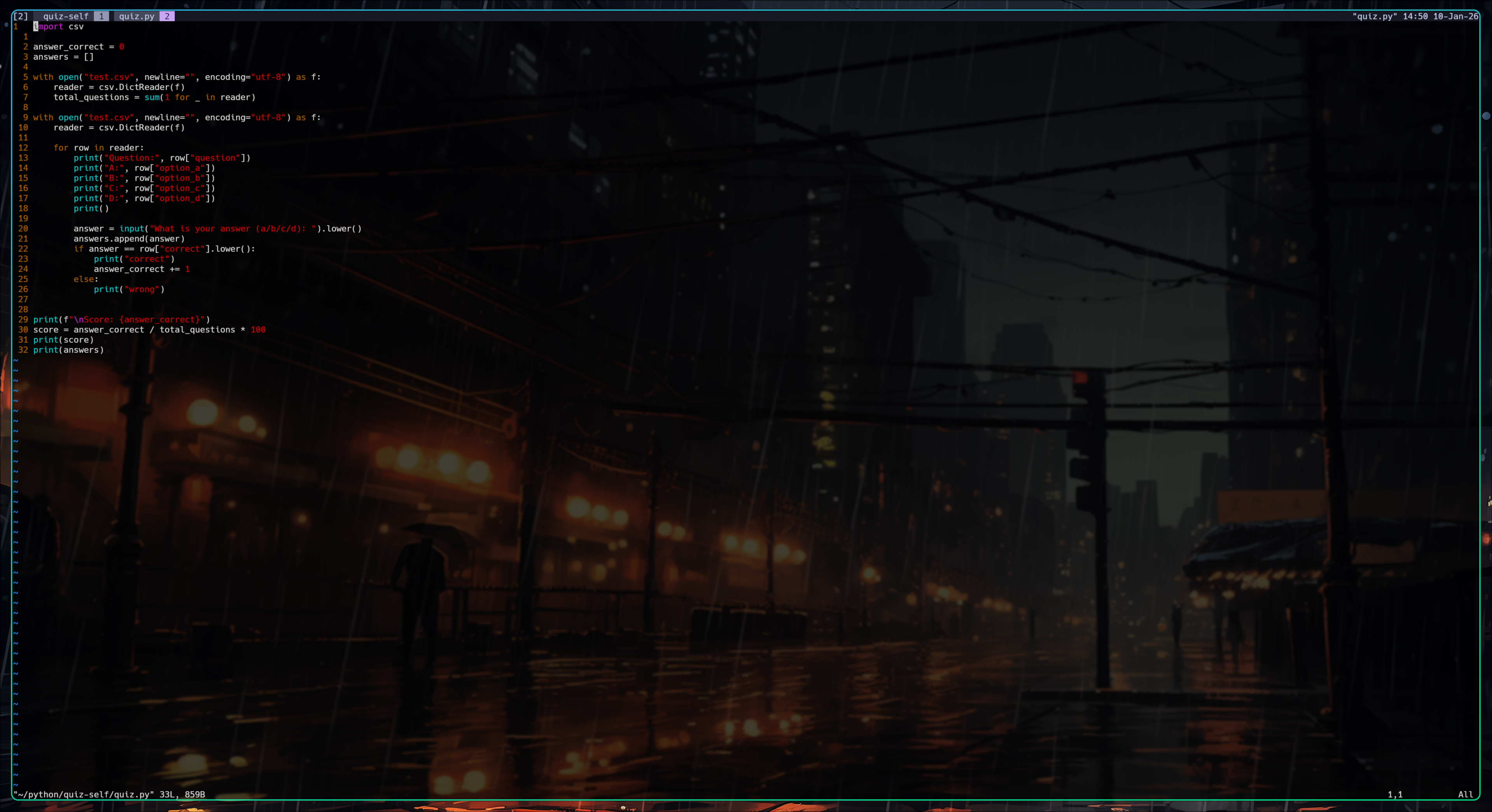
I now use tmux as a terminal tab system. I know it has far more power than that, but I don’t have a need for those features yet. For now, it gives me exactly what I want: organized sessions and panes without opening extra windows.
!
vim⌗
I use vim to edit configuration files and write programs. I don’t use Emacs or nano—vi is available on every system. I’ve forgotten how to use nano, and I never bothered with Emacs for that exact reason.
!